
Context7 TUI: The Skill Foundry That Turns Live Documentation into Agent Skills
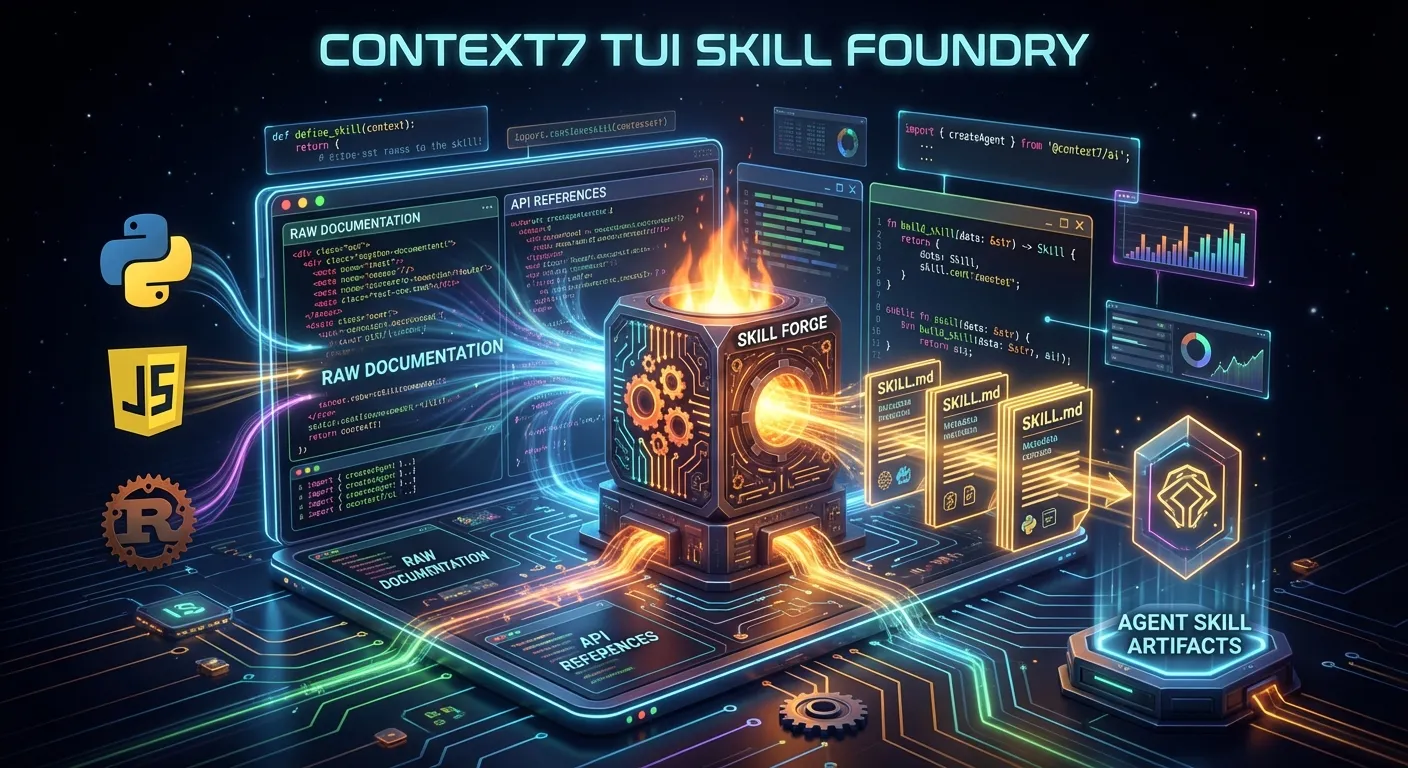
Context7 now has a terminal UI that doesn't just fetch docs but walks you through turning that context into Agent Skills, effectively becoming a "skill foundry" on top of live documentation. That makes it much easier to go from raw package or internal docs to structured SKILL.md workflows without hand-authoring everything yourself.
What the Context7 TUI Adds
The new TUI layer sits on top of the existing MCP server that already pipes versioned documentation into AI tools. Instead of only exposing tools to agents, it gives developers an interactive console for browsing docs, trimming context, and shaping it into reusable building blocks.
- You can explore libraries and examples from your terminal, with Context7 handling library resolution and doc retrieval behind the scenes
- The TUI focuses on safely scoped, token-bounded context so what you capture can be dropped directly into skills or project rules for agents like Claude Code, OpenCode, GitHub Copilot, and more
This represents a significant evolution from Context7's original purpose as a documentation retrieval tool. Now it's a complete skill authoring environment that understands the Agent Skills standard.
How It Creates Skills
The core idea is: use Context7 to mine high-value patterns from docs, then emit them as skills instead of one-off prompts.
- The TUI guides you to select relevant sections (installation flows, best-practice snippets, common pitfalls) and frames them as structured instructions and examples suitable for a
SKILL.md - Those outputs align with the Agent Skills standard, so the same skill file can be loaded by multiple agents that understand the format
This approach eliminates the tedious manual work of reading through documentation, extracting key patterns, and formatting them into skills. Context7 automates the entire pipeline. For a deep dive into what makes a great skill, see our Claude Skills Concepts Guide.
The Six-Step Skill Creation Workflow
Context7's new TUI turns live docs into Agent Skills by guiding you through a short, fixed interaction loop: pick the source, mine the right context, then shape and export it as a SKILL.md-ready artifact.
Step 1: Start the TUI on a Target Library
The process begins by launching the Context7 TUI and telling it which library, SDK, or docs set you want to work from. Under the hood it resolves the library name/version to a Context7 ID and prepares a focused documentation set for that target.
- You choose a package (for example,
@upstash/redis,langchain, or an internal SDK) and, optionally, a version - Context7 resolves that into a canonical ID so all further queries stay pinned to the correct docs
# Launch Context7 TUI targeting a specific library
context7 tui --library langchain --version 0.3.0
Step 2: Define the Skill's Purpose
Next, the TUI asks you what kind of skill you want to create so it can shape search and summarization toward a clear objective.
- You give a short description like "migrate from v2 to v3", "idiomatic usage patterns", or "setup and auth best practices"
- This becomes the seed for the skill name, description, and the types of examples and sections the TUI will look for in the docs
Example purposes:
- "Create a skill for proper error handling patterns"
- "Build a migration guide skill from v2 to v3 API"
- "Document authentication best practices as a skill"
Step 3: Mine and Curate Relevant Documentation
Context7 then runs the heavy lifting itself: it queries its vector index, ranks doc chunks, and presents candidate sections that match the skill purpose, all inside the TUI.
- You see a list of suggested topics or snippets (getting started, configuration, common pitfalls, API examples) and can accept, reject, or drill into them
- This curation step prevents "context bloat" by letting you trim down to just the minimal set of passages that actually belong inside a reusable skill
The TUI presents documentation sections ranked by relevance, allowing you to:
- Accept sections that directly support the skill
- Reject sections that add noise
- Drill down into subsections for more granular selection
Step 4: Convert Docs into Skill Instructions
Once you've selected the right pieces, the TUI calls out to an LLM with a skills-aware prompt to transform raw docs into structured instructions, triggers, and examples suitable for an Agent Skill.
The model turns the curated context into:
- A concise skill description ("Use this skill when…")
- Imperative guidance ("Do X, avoid Y, prefer Z patterns")
- Step-by-step workflows with concrete examples
You can review this draft, tweak wording, or re-generate particular sections if they are too long, too generic, or miss important edge cases. For more on skill structure, see Part 1 of our Claude Skills Guide.
Step 5: Generate SKILL.md-Ready Output
The TUI then lays out the result in a SKILL.md-compatible structure so you can drop it straight into a skills repo or .claude/skills folder.
- It formats the output into a standard skills schema: name, description, when-to-use, instructions, and optional references/commands
- You can save the file into a chosen directory, commit it to git, or wire it into CLAUDE.md/AGENTS.md so compatible agents auto-discover it
Example output structure:
---
name: langchain-error-handling
description: Proper error handling patterns for LangChain applications
triggers:
  - error handling
  - exception management
  - retry logic
---

# LangChain Error Handling Patterns

Use this skill when building robust LangChain applications that need
proper error handling, retry logic, and graceful degradation.

## When to Use
- Implementing production-grade LangChain chains
- Adding retry logic to LLM calls
- Handling rate limits and API errors

## Instructions
1. Always wrap LLM calls in try-except blocks
2. Use exponential backoff for retries
3. Implement fallback chains for critical paths
...
Step 6: Iterate With Real Usage
Finally, because Context7 remains available as an MCP tool, you can test and refine the new skill in your editor or agent environment and then loop back into the TUI when you discover gaps.
- Real sessions reveal missing edge cases or confusing guidance; you update the docs or selection and re-run the TUI flow to regenerate the skill
- Over time, this gives you a library of tightly scoped, doc-backed skills (setup, migrations, debugging, patterns) rather than one monolithic "read the docs" blob
Why This Matters: The Knowledge-to-Skill Compiler
For developers already thinking in terms of skills, AGENTS.md, and CLAUDE.md, Context7's TUI is essentially a knowledge-to-skill compiler.
Before Context7 TUI
Creating Agent Skills manually involved:
- Reading through extensive documentation
- Identifying key patterns and best practices
- Extracting relevant code examples
- Formatting everything into SKILL.md structure
- Testing and iterating on the skill
- Keeping skills updated as docs change
After Context7 TUI
The process becomes:
- Point Context7 at a library
- Describe your skill's purpose
- Curate suggested sections
- Review and refine generated output
- Export to your skills directory
This dramatically reduces the time from "I need a skill for X" to "I have a working skill for X" from hours to minutes.
Integration with the Universal Agent Skills Ecosystem
The skills generated by Context7 TUI are fully compatible with the Agent Skills standard, meaning they work across all supported platforms:
- Claude Code - Native skill loading from
~/.claude/skills/ - OpenCode - Compatible skill directories
- GitHub Copilot - Via Copilot SDK and CLI
- Cursor - AI-native editor integration
- Gemini CLI - Google's terminal agent
- Any MCP-aware orchestrator - Universal compatibility
As I discussed in "Agent Skills Beyond Coding", the same skills can power coding agents, business workflows, and data pipelines. Context7 TUI accelerates skill creation for all these use cases.
Installing Skills with Skilz CLI
Once you've created skills with Context7 TUI, you can distribute them using the Skilz CLI:
# Install Skilz CLI
pip install skilz

# Install a skill to Claude Code
skilz install your-org/your-skill --agent claude

# Install to OpenCode
skilz install your-org/your-skill --agent opencode

# List installed skills
skilz list
For comprehensive installation documentation, see the Skilz CLI docs and the agents manual.
Practical Workflow: From Docs to Production Skills
Here's a concrete workflow for turning your internal docs or any library documentation into production-ready skills:
# 1. Start Context7 TUI for your target library
context7 tui --library your-internal-sdk

# 2. Create multiple focused skills
#    - Setup and authentication
#    - Common API patterns
#    - Error handling
#    - Migration guides

# 3. Export skills to your project
context7 export --output .claude/skills/

# 4. Wire into CLAUDE.md or AGENTS.md
echo "skills_dir: .claude/skills/" >> CLAUDE.md

# 5. Test with your preferred agent
claude "Help me use the SDK correctly"
The Future of Skill Creation
Context7 TUI represents a shift in how we think about agent capabilities. Instead of:
- Hand-writing skills from scratch
- Copying patterns from documentation
- Maintaining skills manually as docs evolve
We now have:
- Automated skill generation from authoritative sources
- Version-pinned documentation ensuring accuracy
- Iterative refinement through real usage feedback
This "skill foundry" approach means your agent skills stay current with the libraries they describe, reducing hallucinations and improving reliability.
Getting Started with Context7 TUI
To start creating skills with Context7:
- Install Context7: Follow the installation guide
- Configure MCP: Ensure Context7 is available as an MCP tool
- Launch the TUI: Run
context7 tuiand select your target library - Create your first skill: Follow the six-step workflow above
- Integrate with your agents: Wire skills into CLAUDE.md or AGENTS.md
The combination of Context7's documentation retrieval capabilities with the universal Agent Skills standard creates a powerful pipeline for building reliable, well-documented AI agent behaviors.
Learn More
SkillzWave Resources:
- SkillzWave Documentation
- Agent Configuration Guide
- All Guides
- Claude Skills Part 1
- Claude Skills Part 2
- Claude Skills Concepts
External Resources:
Related Posts
Discover AI Agent Skills
Browse our marketplace of 41,000+ Claude Code skills, agents, and tools. Find the perfect skill for your workflow or submit your own.