
Context7: Turning Documentation into Intelligent AI Skills
Every developer working with AI coding assistants has experienced the frustration: you ask Claude, Cursor, or Copilot to help implement authentication with the latest version of your favorite framework, and it confidently generates code using APIs that were deprecated six months ago. The result? Hours spent debugging hallucinated methods and chasing phantom documentation.
This knowledge gap between an LLM's training data cutoff and today's rapidly evolving libraries represents the single biggest bottleneck in AI-assisted development. Some estimates suggest developers spend 20-30% of their time just verifying and debugging code their "assistants" generate.
Enter Context7: Documentation as a Living Knowledge Base
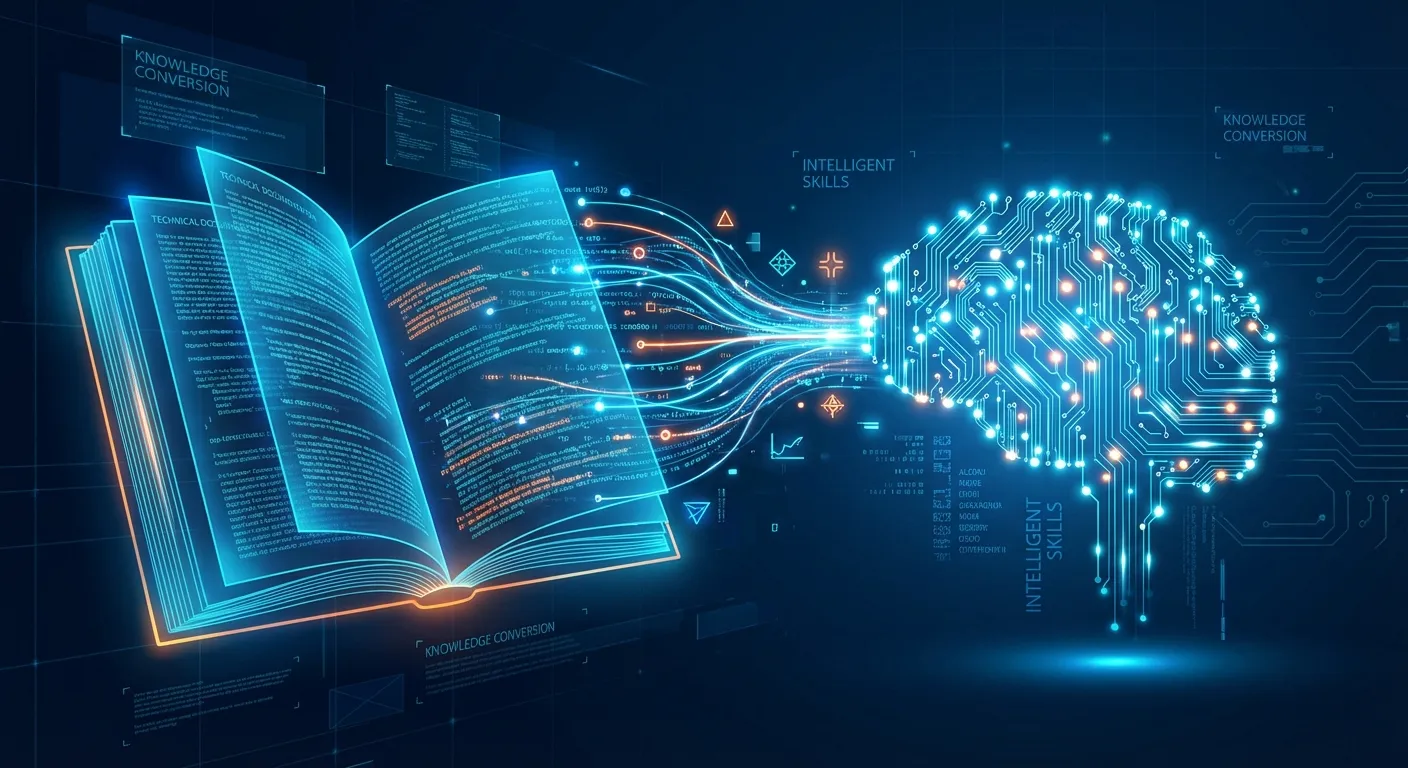
Context7, created by the team at Upstash and spearheaded by co-founder Enes Akar, has emerged as the most popular MCP (Model Context Protocol) server in the AI coding ecosystem. What makes it unique isn't just that it fetches documentation. It's how it transforms that documentation into intelligent, searchable context that AI assistants can consume in real-time.
The system works through a sophisticated pipeline:
- Parse official library documentation
- Enrich code snippets with explanations
- Vectorize content for semantic search
- Rerank results using LLM-powered relevance scoring
- Cache everything for millisecond-fast retrieval
When you add "use context7" to your prompt, or better yet configure auto-invocation, the system identifies which library you need, fetches current documentation, and injects it directly into your AI's context window.
From MCP Server to Skill-Based Architecture
The real innovation is Context7's evolution from a simple MCP server to a full-fledged skill-based system for Claude Code. The Context7 plugin architecture brings three powerful capabilities to AI coding assistants:
1. Intelligent Skill Auto-Invocation
The skill automatically triggers Context7 for library and API lookups without explicit prompting. When Claude detects you're working with external libraries, frameworks, or APIs, it autonomously fetches current documentation before generating code. This is the power of Agent Skills in action.
2. Docs-Researcher Agent
A dedicated agent that executes documentation queries in an isolated context. This prevents main-context growth, one of the biggest complaints about MCP servers eating up valuable token space. The agent handles the lookup, synthesizes relevant information, and returns only what's needed.
3. Explicit Command Interface
For developers who want direct control, the /context7:docs <library> [query] command provides explicit lookups when you need to dive deep into specific documentation.
Building Skills from Knowledge Bases: The Bigger Picture
What Context7 demonstrates is a paradigm shift in how we think about AI coding assistance. Rather than relying solely on static training data, we can now dynamically construct skills from living knowledge bases. For a deeper understanding of what Agent Skills are and how they work, see our Claude Skills Concepts Guide.
Token Efficiency
Context7's architecture has reduced average context tokens by 65% (from ~9.7k to ~3.3k) while improving quality. By reranking on their servers rather than in the user's context, they've moved the filtering cost from expensive user models to more cost-efficient backend processing.
Version Specificity
Ask about Next.js 14 middleware, and Context7 automatically matches the appropriate version. No more guessing whether the code you're getting is for v13 or v15. The documentation is version-aware.
Quality Assurance
Context7 implements:
- Source reputation scoring
- Benchmark testing
- Injection prevention
- User feedback loops
These ensure the context it provides is trustworthy and accurate.
Installation for Claude Code
For Claude Code users, the setup is remarkably simple:
# Install the Context7 plugin
/plugin marketplace add upstash/context7
/plugin install context7-plugin@context7-marketplace
Once installed, the skill triggers automatically whenever you're working with external libraries, frameworks, or APIs. The days of manually typing "use context7" in every prompt are over.
Using Context7 with the MCP Server
For other AI coding environments, Context7 works as an MCP server. For more on MCP, see our article MCP: The USB-C of AI:
{
  "mcpServers": {
    "context7": {
      "command": "npx",
      "args": ["-y", "@upstash/context7-mcp"]
    }
  }
}
This configuration works with all supported platforms:
- Cursor - Add to
.cursor/mcp.json - VS Code with Copilot - Add to settings
- Windsurf - Add to MCP configuration
- Any MCP-compatible client
Installing Context7 with Skilz CLI
For those using the Agent Skills standard, there's a dedicated Context7 skill available. Install it using the Skilz CLI:
# Install Skilz CLI first
pip install skilz

# Install Context7 skill for Claude Code
skilz install upstash/context7 --agent claude

# Install for OpenCode
skilz install upstash/context7 --agent opencode

# Install for Gemini CLI
skilz install upstash/context7 --agent gemini --project
The skill includes:
- Auto-invocation triggers for documentation lookups
- Bundled guides for common frameworks
- Integration with the docs-researcher agent pattern
For complete Skilz CLI documentation, see our documentation and the Skilz CLI GitHub repo.
Why This Matters for the Future of AI Development
Context7's approach, building intelligent skills from knowledge bases, points toward a future where AI assistants are no longer bounded by training data cutoffs. Instead of periodic, expensive retraining cycles, we can augment AI capabilities dynamically with real-time knowledge.
For developers, this means higher-quality code on the first try. For teams, it means less time debugging hallucinated APIs. For the broader AI ecosystem, it demonstrates that the context engineering problem, how to get the right information to the right model at the right time, may be more important than model architecture itself.
As AI systems become more autonomous, the ability to engineer their context becomes a more valuable skill than crafting the perfect prompt. Context7, by automating that context engineering for the documentation domain, is leading the way.
Comparing Approaches: MCP vs. Agent Skills
| Feature | MCP Server | Agent Skill |
|---|---|---|
| Installation | JSON config | skilz install |
| Token Usage | ~9.7k avg | ~3.3k avg (65% reduction) |
| Auto-Invocation | Manual trigger | Automatic detection |
| Context Isolation | Main context | Dedicated agent |
| Version Support | All MCP clients | 22+ agents |
Getting Started
Context7 remains free for developers, with paid plans available for companies needing private isolation and team support.
SkillzWave Resources:
- SkillzWave Documentation
- Agent Configuration Guide
- All Guides
- Supported Platforms
- Claude Skills Part 1
- Claude Skills Part 2
External Resources:
- Context7 Website
- Context7 GitHub Repository
- MCP Server Documentation
- Skilz CLI
- SpillwaveSolutions GitHub
- Agent Skills Standard
- Spillwave
The Bottom Line
The documentation-to-skill pipeline that Context7 has pioneered represents a fundamental shift in AI-assisted development. By treating documentation as a living knowledge base rather than static training data, we can finally bridge the gap between what AI models know and what developers need.
No more hallucinated APIs. No more deprecated method calls. Just accurate, version-aware code generation powered by real-time documentation.
Related Posts
Discover AI Agent Skills
Browse our marketplace of 41,000+ Claude Code skills, agents, and tools. Find the perfect skill for your workflow or submit your own.