
Claude Code Skills Deep Dive Part 2
Part 2 of 2: Advanced Patterns. Building on the foundations from Part 1, this guide covers advanced topics: tool permissions, sub-agent orchestration, hook integration, and production optimization strategies.
Prerequisites: This guide assumes familiarity with Part 1: Foundations, including SKILL.md structure and Progressive Disclosure Architecture.
What You'll Learn
- ✓ Tool permissions and security patterns
- ✓ Sub-agent orchestration for parallel tasks
- ✓ Hook integration for deterministic behavior
- ✓ Production optimization and debugging
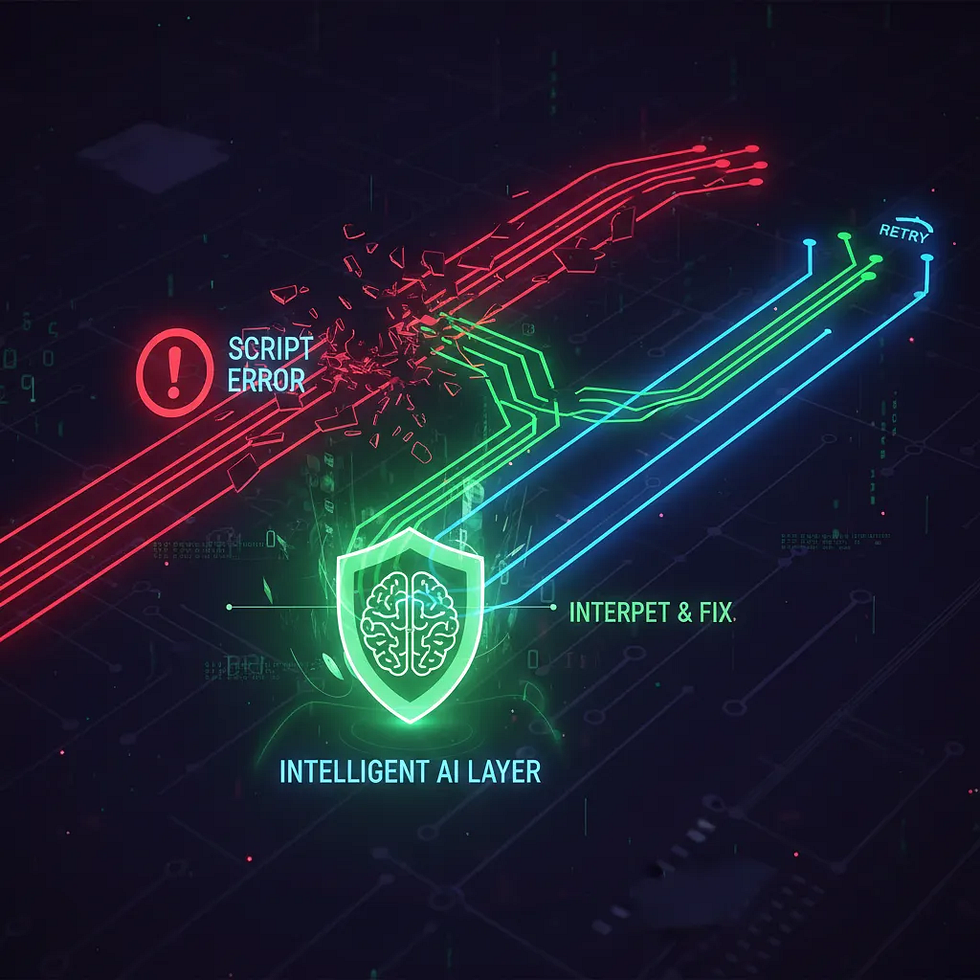
- ✓ Error recovery and graceful degradation
Tool Permissions and Security
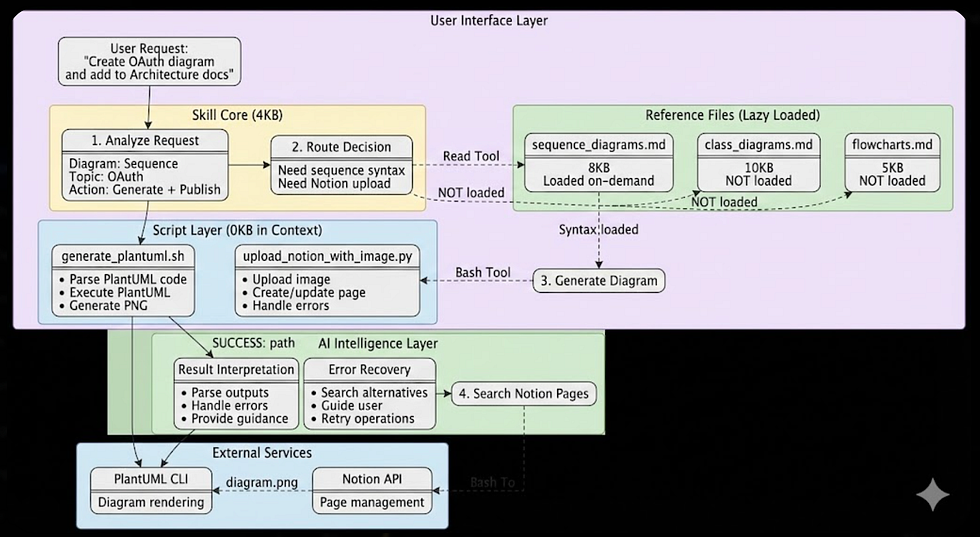
Tool permissions are the security backbone of skills. They define exactly what actions a skill can perform, following the principle of least privilege.
Permission Syntax
allowed-tools:
  # Full tool access
  - Read
  - Write
  - Grep

  # Scoped access with patterns
  - Bash(git:*)           # Any git command
  - Bash(npm run:*)       # npm run scripts only
  - Bash(docker ps)       # Specific command only

  # MCP server tools
  - mcp__github__*        # All GitHub MCP tools
  - mcp__slack__post      # Specific Slack action
Security Best Practices
- Start restrictive — Add permissions only as needed
- Use patterns —
Bash(git:*)instead of full Bash access - Avoid wildcards — Be specific about what you need
- Document rationale — Explain why each permission is needed
Sub-Agent Orchestration
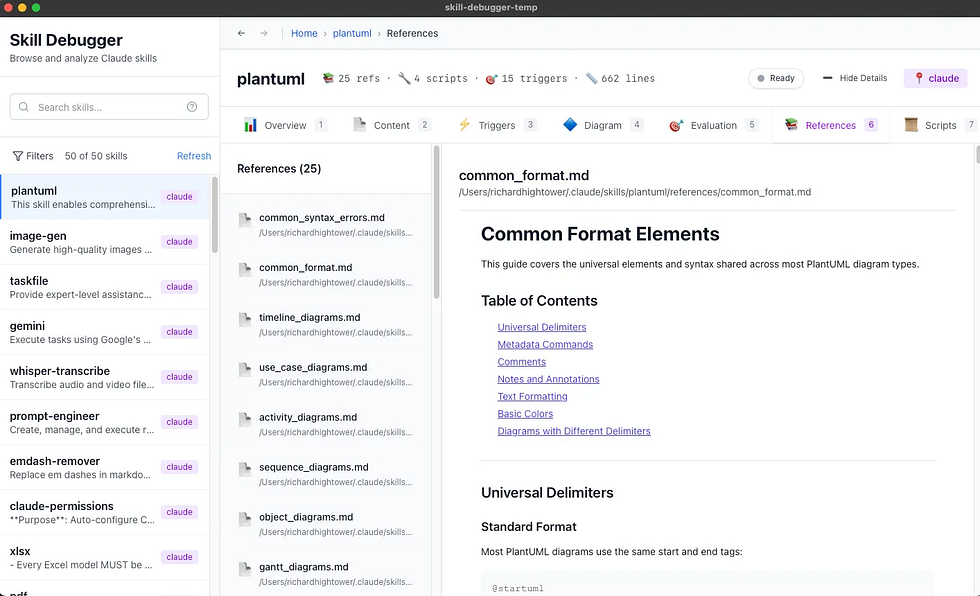
Complex tasks often benefit from delegation. Sub-agents allow your skill to spawn specialized workers for parallel or sequential operations.
When to Use Sub-Agents
- Multi-file refactoring across a codebase
- Parallel test execution or validation
- Documentation generation for multiple modules
- Independent tasks that can run concurrently
# Sub-Agent Usage in Skills
When processing multiple files:
1. Identify independent work units
2. Use Task tool to spawn sub-agents
3. Collect and synthesize results
4. Present unified output to user

Example trigger: "Refactor all API endpoints"
→ Spawns sub-agent per endpoint file
→ Each validates changes independently
→ Main agent merges results
Hook Integration
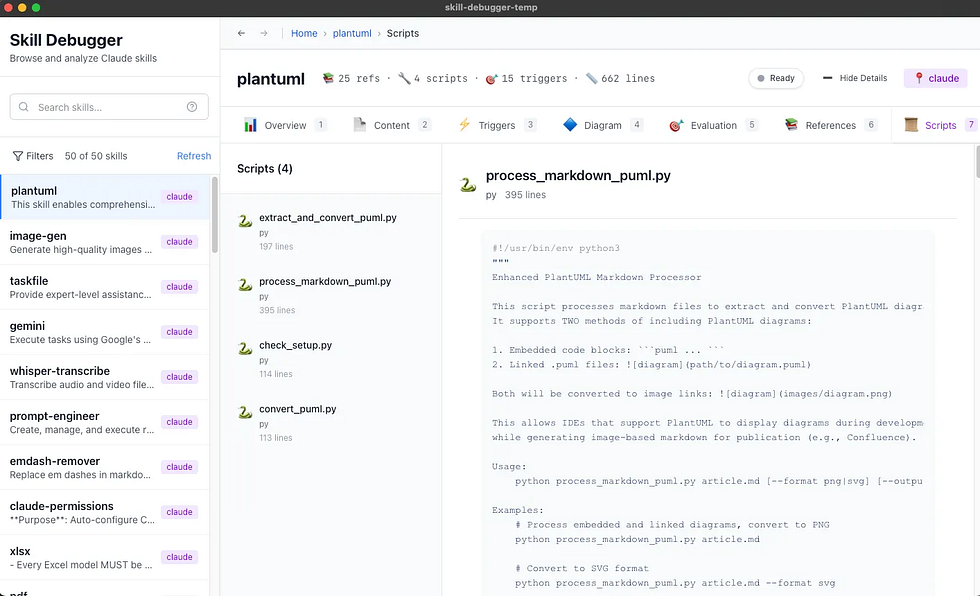
Hooks make AI behavior deterministic and auditable. They execute shell commands at specific points in the Claude Code lifecycle, enabling validation, logging, and enforcement of standards.
Hook Types
PreToolCall
Validate before tool execution. Can block operations.
PostToolCall
React after tool completes. Ideal for logging.
Notification
Observe without affecting flow. Great for monitoring.
Stop
Trigger on session end. Cleanup and reporting.
Example: Commit Message Validation
# .claude/settings.json
{
  "hooks": {
    "PreToolCall": [
      {
        "matcher": "Bash(git commit:*)",
        "command": "python scripts/validate-commit.py"
      }
    ]
  }
}
Production Optimization
Moving skills from development to production requires attention to performance, reliability, and maintainability.
Performance Checklist
- Token budget — Keep initial load under 5,000 tokens
- Lazy references — Point to docs, don't embed them
- Scoped tools — Minimize tool list for faster parsing
- Cache strategies — Use file-based caching for expensive operations
Reliability Patterns
- Graceful degradation — Fall back when services are unavailable
- Retry logic — Handle transient failures automatically
- Timeout handling — Set reasonable limits on operations
- Error context — Provide actionable error messages
Debugging Skills
When skills don't behave as expected, systematic debugging helps identify the issue:
- Check tool permissions — Is the required tool allowed?
- Verify references — Do all referenced files exist?
- Test triggers — Does the activation phrase work?
- Review context — Is the skill loading unnecessary content?
- Check hooks — Are hooks blocking expected behavior?
# Debug command
claude --debug skill-name

# Verbose logging
CLAUDE_DEBUG=1 claude "trigger phrase"

# Check skill loading
claude /skill info skill-name
Continue Learning
You now have a comprehensive understanding of Claude Code skills, from foundations to advanced patterns. Here are paths to continue your journey:
- Conceptual Guide — Mental models and philosophy
- Browse Skills — Learn from existing implementations
- Submit a Skill — Share your creations with the community
Ready to Build?
Put your knowledge into practice. Create a skill using the patterns you've learned.