
Supported Agents
Skilz supports 22+ AI coding agents out of the box. Each agent has its own skills directory where skills are installed. This guide covers each agent's paths and support levels.
Remember: Install Skilz first with pip install skilz before installing skills to any agent.
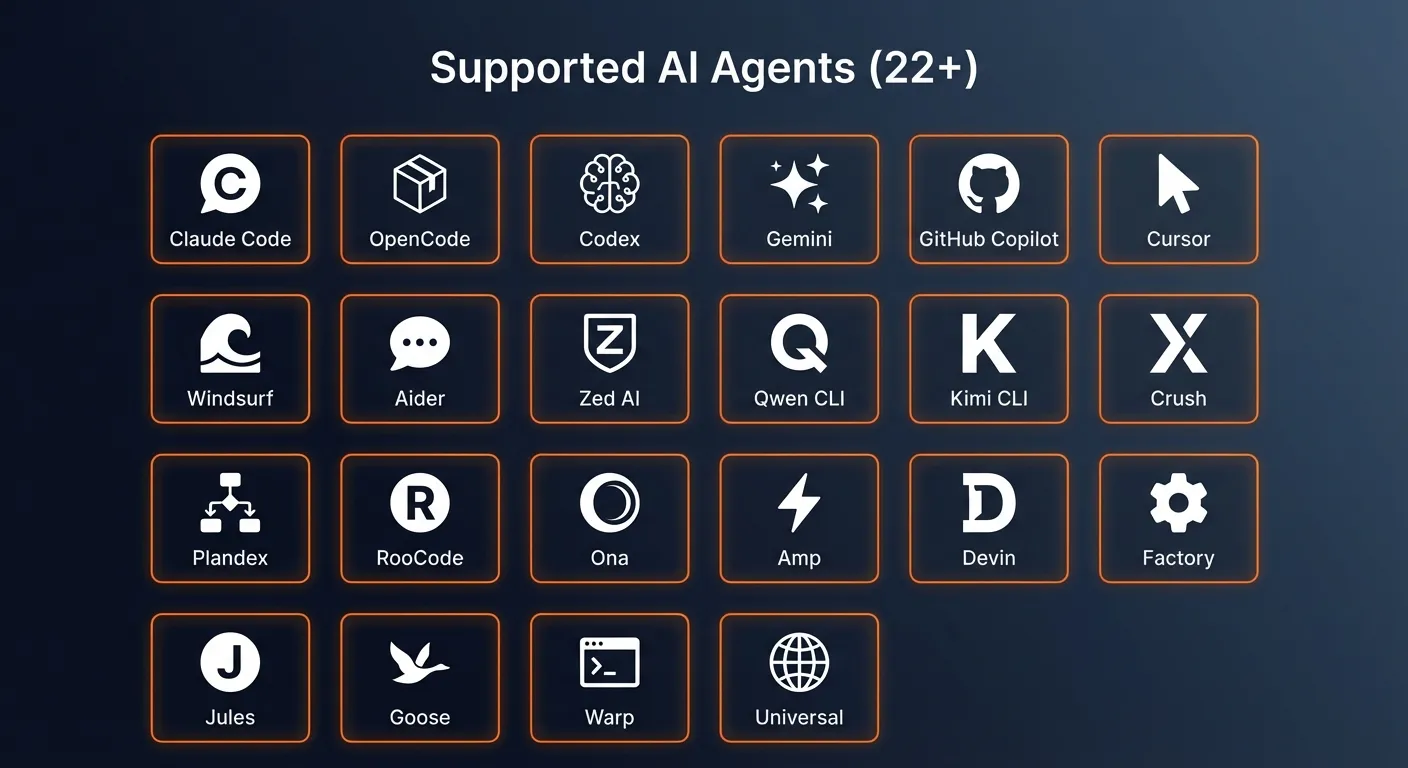
Agent Overview
Key: Agents with ✓ Home Support can install skills at the user level (~/.agent/skills). Project Only agents only support project-level installation.
| Agent | User Path | Project Path | Support |
|---|---|---|---|
| Claude Code | ~/.claude/skills | .claude/skills | ✓ Home + Project |
| OpenCode | ~/.config/opencode/skills | .skilz/skills | ✓ Home + Project |
| Codex | ~/.codex/skills | .codex/skills | ✓ Home + Project |
| Universal | ~/.skilz/skills | .skilz/skills | ✓ Home + Project |
| Gemini | ~/.gemini/skills | .gemini/skills | ✓ Home + Project |
| GitHub Copilot | — | .github/copilot/skills | Project Only |
| Cursor | — | .skills/skills | Project Only |
| Windsurf | — | .skills/skills | Project Only |
| Aider | — | .skills/skills | Project Only |
| Zed AI | — | .skills/skills | Project Only |
| Qwen CLI | — | .skills/skills | Project Only |
| Kimi CLI | — | .skills/skills | Project Only |
| Crush | — | .skills/skills | Project Only |
| Plandex | — | .skills/skills | Project Only |
| RooCode | — | .skilz/skills | Project Only |
| Ona | — | .skilz/skills | Universal |
| Amp | — | .skilz/skills | Universal |
| Devin | — | .skilz/skills | Universal |
| Factory | — | .skilz/skills | Universal |
| Jules | — | .skilz/skills | Universal |
| Goose | — | .skilz/skills | Universal |
| Warp | — | .skilz/skills | Universal |
Agents with Home Support
These agents support user-level (global) skill installation. Skills installed at the user level are available across all your projects.
Claude Code
Anthropic's official CLI for Claude. The default agent for Skilz installations.
Paths
User:    ~/.claude/skills
Project: .claude/skills
Installing Skills
pip install skilzskilz install anthropics_skills/theme-factory --agent claudeClaude Code automatically loads skills from both directories. User-level skills are available globally.
OpenCode CLI
Open-source AI coding assistant with extensive customization options.
Paths
User:    ~/.config/opencode/skills
Project: .skilz/skills
Installing Skills
pip install skilzskilz install anthropics_skills/theme-factory --agent opencodeOpenAI Codex
OpenAI's Codex-powered coding assistant with native skill support.
Paths
User:    ~/.codex/skills
Project: .codex/skills
Installing Skills
pip install skilzskilz install anthropics_skills/theme-factory --agent codex
Codex supports skill invocation via $skill-name or /skills.
Universal (Skilz)
A generic agent profile for tools that don't have specific configurations. Uses the standard Skilz directory structure.
Paths
User:    ~/.skilz/skills
Project: .skilz/skills
Installing Skills
pip install skilzskilz install anthropics_skills/theme-factory --agent universalGemini CLI
Google's Gemini CLI with native skill support via the experimental.skills plugin.
Gemini reads skills directly from the skills directory without needing a config file.
Paths
User:    ~/.gemini/skills
Project: .gemini/skills
Installing Skills (Native Mode)
pip install skilzskilz install anthropics_skills/theme-factory --agent geminiInstalling Skills (Project-Level)
pip install skilzskilz install anthropics_skills/theme-factory --agent gemini --projectLegacy Mode (Without Plugin)
If you don't have the experimental.skills plugin, use universal mode with a custom config:
pip install skilzskilz install anthropics_skills/theme-factory --agent universal --project --config GEMINI.mdDocumentation: Gemini CLI Skills
Project-Only Agents
These agents only support project-level installation. Skills must be installed within each project
where you want to use them. Use the --project flag to install.
GitHub Copilot
GitHub's AI pair programmer. Uses the .github/copilot directory structure.
Path
Project: .github/copilot/skillsInstalling Skills
pip install skilzskilz install anthropics_skills/theme-factory --agent copilot --projectCursor
AI-first code editor built for pair programming with AI. Uses folder-based rules.
Path
Project: .skills/skillsInstalling Skills
pip install skilzskilz install anthropics_skills/theme-factory --agent cursor --project
Cursor uses folder-based rules via .cursor/rules/ for additional configuration.
Windsurf
Codeium's agentic IDE with deep codebase understanding.
Path
Project: .skills/skillsInstalling Skills
pip install skilzskilz install anthropics_skills/theme-factory --agent windsurf --projectAider
AI pair programming in your terminal with Git integration.
Path
Project: .skills/skillsInstalling Skills
pip install skilzskilz install anthropics_skills/theme-factory --agent aider --project
Aider uses CONVENTIONS.md for project-level configuration.
Zed AI
High-performance, multiplayer code editor with AI integration.
Path
Project: .skills/skillsInstalling Skills
pip install skilzskilz install anthropics_skills/theme-factory --agent zed --projectQwen CLI
Alibaba's Qwen-powered coding assistant.
Path
Project: .skills/skillsInstalling Skills
pip install skilzskilz install anthropics_skills/theme-factory --agent qwen --project
Qwen uses QWEN.md and CONTEXT.md for configuration.
Kimi CLI
Moonshot AI's Kimi coding assistant.
Path
Project: .skills/skillsInstalling Skills
pip install skilzskilz install anthropics_skills/theme-factory --agent kimi --projectCrush
AI coding assistant with minimal configuration.
Path
Project: .skills/skillsInstalling Skills
pip install skilzskilz install anthropics_skills/theme-factory --agent crush --projectPlandex
AI coding agent for complex, multi-file tasks.
Path
Project: .skills/skillsInstalling Skills
pip install skilzskilz install anthropics_skills/theme-factory --agent plandex --projectRooCode
AI coding agent focused on handling larger changes and scaffolding work, often integrating with tools like git and CI.
Path
Project: .skilz/skillsInstalling Skills
pip install skilzskilz install anthropics_skills/theme-factory --agent roocode --projectUniversal Support Agents
These agents work via the AGENTS.md ecosystem using universal mode. All use the .skilz/skills
project directory and are installed with --agent universal --project.
Ona
Configurable, self-hostable agents that operate over local code with flexible behavior tuning.
Installing Skills
pip install skilzskilz install anthropics_skills/theme-factory --agent universal --projectAmp
Sourcegraph's AI-powered developer tooling and agents for structured help across the development lifecycle.
Installing Skills
pip install skilzskilz install anthropics_skills/theme-factory --agent universal --projectDevin
Cognition's "AI software engineer" that can autonomously plan, code, run tests, and iterate on tasks end-to-end.
Installing Skills
pip install skilzskilz install anthropics_skills/theme-factory --agent universal --projectFactory
Opinionated automation around repetitive coding tasks, codebase maintenance, and templated changes.
Installing Skills
pip install skilzskilz install anthropics_skills/theme-factory --agent universal --projectJules
Google's coding agent leveraging their LLM stack and cloud integrations to provide coding help, refactors, and multi-file edits.
Installing Skills
pip install skilzskilz install anthropics_skills/theme-factory --agent universal --projectGoose
Lightweight assistants that run in terminals, editors, or pipelines without heavy vendor lock-in.
Installing Skills
pip install skilzskilz install anthropics_skills/theme-factory --agent universal --projectWarp
Next-generation terminal with structured input, rich UI, and built-in AI assistance for command composition.
Installing Skills
pip install skilzskilz install anthropics_skills/theme-factory --agent universal --projectAdding Custom Agents
If your AI coding assistant isn't in the list above, you can add it as a custom agent
in your configuration file at ~/.config/skilz/config.json:
{
  "agents": {
    "my_agent": {
      "display_name": "My Custom Agent",
      "home_dir": "~/.my-agent/skills",
      "project_dir": ".my-agent/skills",
      "config_files": ["AGENT.md"],
      "supports_home": true,
      "default_mode": "copy",
      "native_skill_support": "none"
    }
  }
}
See Configuration Reference for all available options.
See Also
- Configuration Guide — Custom agent paths
- Configuration Reference — Full config schema
- Commands — The
--agentoption